Trigger, condition, action
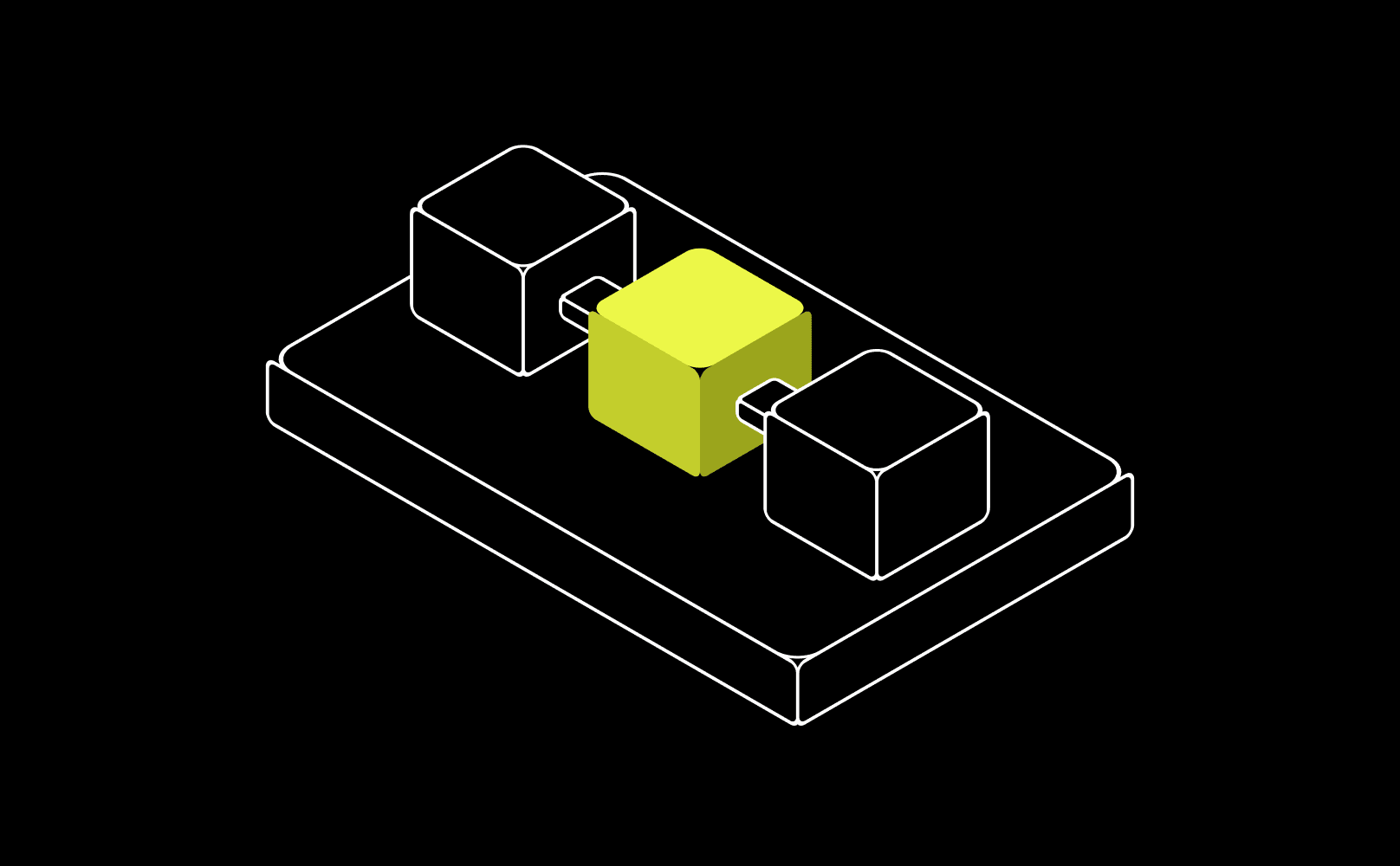
Triggers are schedules (every day at 7am) or events (Clover marks an item out of stock, a two-star review lands). Conditions are the guardrails: only this location, only over this threshold. Actions deliver information, prepare something for approval, or write to a system.
Every Recipe reads as one sentence. If you can say it, you can understand it—and see exactly what it is allowed to do before you enable it.
Deterministic where money moves
Given the same inputs, a Recipe performs the same steps in the same order, every time. The Store Brief never decides to summarize differently on a whim; the labor check compares the same numbers the same way.
AI works inside steps—drafting a review reply that reads like a human wrote it. The language is generated; the workflow is fixed. That is the difference between a Recipe you can trust and a bot that freelances.
What the permission labels mean
Reports only reads data and tells you. Approval required prepares an action and waits — nothing leaves without your yes. Runs automatically executes, after you explicitly enable it and set its boundaries.
The principle underneath: Nomly earns scoped autonomy, not blanket trust. Automatic is never the default—it is a switch you flip per Recipe, with the blast radius on the label.
Why there's no builder at launch
A builder means you test, debug, and maintain workflows—that is a job, and you already have one. The Recipes we ship cover recurring work managers actually do between shifts and are tested against each connector's real API.
The Recipes founding restaurants ask for most are the ones we build next. Less flexible by design; far less to babysit.
